

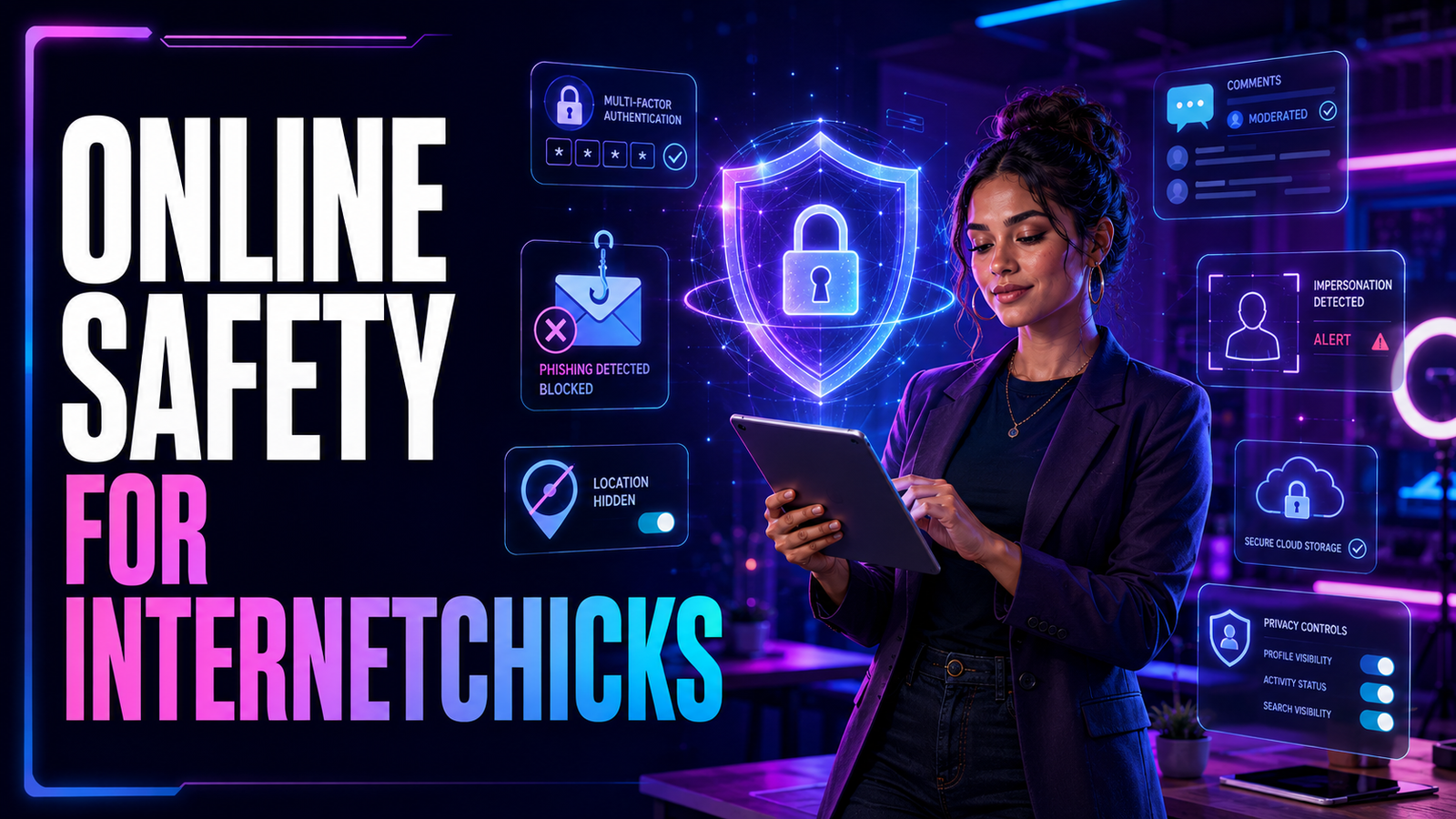
Visibility is part of a creator’s job. It is also the reason safety cannot be treated as an emergency-only task.
The more recognizable an online personality becomes, the easier it may be for strangers to collect clues about her routines, imitate her account, send convincing fake offers, or test the boundaries between public content and private life. None of that means a creator should disappear. It means the business needs basic protection before attention becomes pressure.
For Internetchicks, online safety is not one privacy setting or one strong password. It is a system: separate what is public from what is personal, protect the accounts that control the brand, verify opportunities before trusting them, and know what to do when someone crosses a line.
This guide focuses on that system. If the term is new to you, begin with the complete Internetchicks guide for a broader look at creators, influence, community, and digital culture.
What Does Online Safety Mean for Internetchicks?
The word Internetchicks is often used broadly for women who build an audience, identity, or business online. It is not one type of creator, and it is not automatically one website. A streamer, beauty educator, gamer, photographer, commentator, fitness coach, artist, and small-business founder may face very different risks.
Their safety plans will still share four goals:
- Keep accounts difficult to steal
- Keep private information separate from public content
- Reduce exposure to scams, harassment, and impersonation
- Make recovery faster when something goes wrong
That last goal matters. Perfect prevention does not exist. A good safety system makes an incident less likely, limits the damage, and gives the creator a clear next move.
Start With a Simple Personal Risk Check
Cybersecurity language can make safety sound like a technical project. Start with ordinary questions instead:
- What information would I never want published?
- Which account could cause the most damage if someone took it over?
- Does my content reveal my home, workplace, school, family, or daily route?
- Who currently has access to my email, cloud storage, website, and social profiles?
- What kinds of messages make me act too quickly?
- If my main account disappeared tonight, what proof of ownership would I have?
A new creator with 500 followers still needs account security. A creator with a large public profile may also need address privacy, comment moderation, a business contact system, and an emergency plan. Build for the attention you want, not only the attention you have today.
1. Separate the Creator Identity From Private Life
A public persona can be honest without making every part of life searchable.
Use a dedicated business email for collaborations, press, and account administration. Consider a separate phone number for public business contact. If physical products arrive from brands or customers, a post-office box or commercial mailbox can keep a home address away from shipping labels and public pages.
Review what appears behind you before posting. Street signs, school logos, apartment views, vehicle plates, mail, work badges, and reflections can reveal more than the subject of the video. Family members may also have different comfort levels, so decide whose names, faces, schedules, and locations are off-limits.
Real-time posting deserves special care. Sharing a restaurant, hotel, event, walking route, or vacation spot while you are still there can turn content into a live location update. When the location is not essential to the moment, post after leaving.
These choices do not make a creator fake. They create a boundary between a public story and a private life.
2. Protect the Email Account Before Everything Else
Your email is often the recovery key for every other account. If someone controls it, they may be able to reset social passwords, intercept brand conversations, access cloud files, and prevent you from recovering the creator profile.
Use a long, unique password that is not shared with any other service. A reputable password manager makes unique passwords practical, because memorizing a different one for every account is unrealistic.
Turn on multifactor authentication, sometimes called MFA or two-factor authentication. The U.S. Cybersecurity and Infrastructure Security Agency includes strong passwords, MFA, phishing awareness, and software updates among its core online-safety practices. When a service supports passkeys, security keys, or an authenticator app, those options may provide stronger protection than relying only on text messages.
Then secure the recovery process:
- Confirm the backup email and phone number are current
- Store recovery codes somewhere safe and offline
- Review active sessions and remove devices you do not recognize
- Turn on alerts for unfamiliar sign-ins
- Never approve a login prompt you did not initiate
Do this first for email, then repeat it for social accounts, cloud storage, payment services, websites, domain registrars, and creator tools.
3. Give Every Creator Account Its Own Security
One reused password can turn a breach on an unrelated service into a takeover of the main creator account. Every important login needs a unique credential.
Use the platform’s official security area rather than links sent through direct messages. Instagram, for example, recommends two-factor authentication as part of its account-security guidance. Most major platforms also provide login history, authorized-app controls, recovery options, and alerts for suspicious activity.
Check connected apps a few times a year. Old scheduling tools, giveaway services, analytics products, browser extensions, and abandoned agency accounts can retain access long after you stop using them.
If an assistant, editor, moderator, or manager needs access, use team roles or delegated permissions where available. Sharing the master password may feel faster, but it makes access harder to track and revoke.
4. Learn the Shape of a Fake Brand Deal
Creators are attractive scam targets because collaboration messages are normal. A fake offer does not need to look strange; it only needs to look exciting enough to lower your caution.
Common approaches include:
- A recognizable brand offering unusually high pay without asking about audience fit
- A “manager” writing from a free or misspelled email address
- A contract or media kit delivered as an unexpected executable file or compressed download
- A request to log in through a link to “verify” the creator account
- A fake check followed by instructions to return part of the money
- A demand for gift cards, cryptocurrency, a wire, or an upfront fee
- Pressure to act before the creator can ask questions
The Federal Trade Commission advises influencers to research an unexpected offer, contact the company through information known to be genuine, and never provide personal or financial information before verifying the opportunity. Its influencer job-scam guidance also warns that an honest employer will not send a check and then ask the recipient to return part of the money.
When an offer arrives, leave the message and verify it independently. Visit the brand’s official website yourself. Confirm the agency and contact. Search the company name with terms such as “scam,” “complaint,” or “review.” A legitimate partner will tolerate reasonable due diligence.
5. Open Files and Links With Care
A collaboration email may include a brief, contract, mood board, sample, invoice, or shipping form. That makes attachments feel routine, and gives scammers a convincing reason to send one.
Slow down when a file arrives unexpectedly. Check the real sender address, not only the display name. Hover over links on desktop or inspect their destination before opening. Be cautious with shortened URLs, password-protected archives, unfamiliar file types, and documents that ask you to enable macros or install software.
If the message claims to come from a platform, bank, payment provider, or brand, open the official app or type the known website address yourself. Do not use the message’s login link. The FTC’s phishing guidance notes that fake messages often create urgency around suspicious activity, payments, invoices, or account problems to push people into clicking.
6. Reduce Doxxing and Location Exposure
Doxxing is the publication of personal information—such as a home address, phone number, or other identifying details—with the intention or effect of exposing someone to harm. Sometimes the information comes from one source. More often, it is assembled from small clues across many accounts.
Search your creator name, real name, usernames, business email, phone number, and profile images. Look at what a stranger can connect without logging in. Check old bios, public wish lists, business registrations, event pages, cached profiles, and relatives’ public posts.
Practical ways to reduce exposure include:
- Removing precise location tags from routine posts
- Turning off unnecessary location access for apps
- Avoiding a predictable public schedule tied to one place
- Keeping personal accounts private and limiting discoverability where possible
- Asking friends and family not to tag your location in real time
- Using a business mailing address for public-facing work
- Checking whether uploaded photos contain location metadata
If personal information appears in Google results, Google’s official process explains when a person can request removal of private information or doxxing content. Removing a search result does not necessarily remove the source page, so report the original content as well.
7. Treat Harassment as a Moderation Problem, Not a Debate
Not every negative comment is harassment. Audiences can disagree, criticize, or dislike a post. The line changes when behavior becomes threatening, sexually degrading, repetitive, targeted, deceptive, or designed to drive a person offline.
Creators do not owe unlimited access in the name of engagement. Use keyword filters, comment limits, blocked-word lists, moderator tools, follower restrictions, timeouts, and blocks. These controls are part of publishing, just like editing a video or checking a caption.
Before deleting serious abuse, preserve evidence. Save screenshots that show the username, date, message, profile, and relevant URL. Keep a short incident log when behavior repeats across accounts. Evidence is useful for platform reports, workplace or school safety teams, attorneys, or law enforcement if a threat becomes credible.
Report through the category that best describes the harm. YouTube, for example, offers separate routes for reporting videos, comments, live chat, privacy concerns, and legal issues in its official reporting guidance.
Do not investigate a threatening person alone or announce every protective step publicly. If a message suggests immediate physical danger, contact local emergency services or an appropriate local authority. Online visibility never requires handling a real-world threat by yourself.
8. Prepare for Impersonation and Stolen Content
A fake profile may copy a creator’s name, photos, biography, and recent posts. It may then contact followers, sell fake products, request money, or direct people to a malicious page.
Make the genuine account easy to identify. Keep official links on your website or primary profile, use consistent usernames where practical, and tell the audience where paid offers or private messages will—and will not—come from. Watermarks can discourage casual copying, although they are not complete protection.
If impersonation happens:
- Capture the profile, posts, messages, username, and URL.
- Report the account using the platform’s impersonation process.
- Ask affected followers to report it without contacting or threatening the impersonator.
- Warn the audience from a verified channel you still control.
- Change passwords if there is any sign the fake account obtained private material.
- Monitor payment links, storefronts, and search results connected to the copied identity.
AI-generated voice, face, and image copies make identity misuse easier to scale. A simple public verification habit—such as listing official accounts on one owned webpage—gives followers somewhere trustworthy to check.
9. Know What to Do About Image-Based Abuse
Image-based abuse includes creating, sharing, or threatening to share intimate images without the person’s permission. The material may be real, altered, or generated as a deepfake. The FTC’s image-based abuse guide provides current U.S. reporting information and links to support.
If this happens, do not blame the person depicted. The violation is the creation, threat, or distribution without consent.
Preserve the necessary evidence without repeatedly circulating the material. Use the platform’s dedicated reporting process and record the report number. For adults who were 18 or older in the image, StopNCII.org can create a digital fingerprint, or hash, on the person’s device and share that hash with participating companies to help detect matching uploads; the original image does not leave the device through that process.
If the image or video was taken when the person was under 18, Take It Down is the relevant tool, even if that person is now an adult. Its official guidance says not to download or share an explicit image of a minor in order to submit it. Use only material already present on the original device, or contact its support and reporting resources for help.
Google also provides a process to request removal of non-consensual explicit or intimate content. Availability, laws, and platform procedures vary by country, so local victim-support or legal resources may also be necessary.
10. Protect the Business Behind the Profile
Once content earns money, creator safety becomes business security.
Keep contracts, tax documents, identity records, invoices, and banking information away from shared content folders. Give collaborators access only to the files and accounts needed for their role. When a contractor or agency relationship ends, remove permissions promptly instead of waiting for the next security review.
Use a written approval process for payments and account changes. A manager receiving an urgent message that appears to come from the creator should verify it through a second channel before sending money, changing payout details, or sharing a login code.
The same principle applies to publishing. Decide who can draft, schedule, publish, delete, livestream, and view revenue. “Everyone has the password” is not a team system.
Creators ready to turn attention into a business can pair these safeguards with the separate guide to how Internetchicks make money.
11. Build an Account-Recovery File
Do not wait for a takeover to learn how recovery works.
Create a secure record containing:
- The official recovery page for each major platform
- Original account email addresses and creation details
- Current usernames and profile URLs
- Backup codes and the location of secure recovery information
- Proof of business or identity ownership that a platform may request
- Names and roles of people with authorized access
- Contact details for a manager, lawyer, agency, or trusted person who can help
- A prepared public notice for followers if an account is compromised
Also back up original content, captions, contracts, and audience assets you own. A social profile should never be the only copy of the work.
If an account is stolen, act from a clean, trusted device. Secure the email first, change compromised passwords, end unfamiliar sessions, remove unknown apps, use the platform’s official recovery channel, notify payment providers when needed, and warn the audience through another verified channel.
A Pre-Publish Safety Check for Internetchicks
Before posting content that shows your surroundings, ask:
- Does the frame reveal an address, plate, badge, ticket, school, workplace, or room number?
- Am I sharing my exact location while I am still there?
- Is another person’s private information visible?
- Does the audio reveal a name, route, alarm, or conversation that should stay private?
- Could a reflection or background screen expose a document or login?
- Am I comfortable with this detail being copied outside its original context?
This takes less than a minute once it becomes a habit.
Common Online-Safety Mistakes Creators Make
Waiting Until the Account Is Large
Security is easier before several years of posts, tools, collaborators, and income depend on the profile.
Reusing One Memorable Password
A memorable password reused everywhere is one point of failure, not a system.
Trusting a Message Because It Uses a Real Logo
Logos, names, email signatures, and public campaign details are easy to copy. Verify the sender through an independent route.
Sharing Every Moment in Real Time
An audience can feel close without receiving a live map of the creator’s day.
Arguing With Coordinated Harassers
Some accounts want a reaction they can screenshot, edit, or amplify. Document, moderate, report, and step away when engagement serves the attacker.
Giving Every Collaborator Full Access
Permissions should match responsibilities. Access that is not needed should not remain available.
Keeping No Backup or Recovery Information
When the account is also the archive, address book, and income source, one takeover can interrupt the entire business.
Online Safety Should Support the Work, Not Shrink It
The goal is not to publish nervously. It is to remove avoidable risks so creative decisions can remain creative.
A protected email account, unique passwords, MFA, careful location habits, verified business offers, firm moderation boundaries, limited team permissions, and a recovery file will do more than a complicated plan nobody follows. Start with the accounts and information that matter most, then strengthen the system as the audience grows.
Internetchicks do not need to trade privacy for relevance. The strongest creator brands feel open because their communication is clear—not because every part of the creator’s life is available for inspection.
Frequently Asked Questions
Is Internetchicks safe?
“Internetchicks” can describe a broad creator culture, while similarly named websites and accounts may be separate services. The term itself cannot be given one safety rating. Check the exact domain or account, avoid unexpected downloads and redirects, review current independent security information, and never reuse a password or provide payment details merely to browse.
What is the most important security step for a creator?
Protect the primary email account with a unique password and multifactor authentication. Because email often controls account recovery, losing it can place several creator platforms at risk at once.
How can a creator tell whether a brand deal is real?
Verify the sender through the brand’s official website or a known agency contact. Be cautious when an offer creates urgency, requests money or banking details early, uses an unrelated email domain, or sends an unexpected file or login link.
Should Internetchicks use their real names?
That depends on the niche, business model, and personal risk. A real name can help with professional credibility, but a public alias may create useful separation. Either choice still requires careful handling of addresses, phone numbers, family details, and account recovery information.
What should a creator do about threatening comments?
Save evidence, report and block the account, tighten moderation settings, and tell a trusted person. If the threat appears credible or immediate, contact the appropriate local emergency service or authority rather than confronting the sender alone.
How can new creators build safely from the beginning?
Set up a dedicated business email, unique passwords, MFA, clear personal boundaries, limited location sharing, and regular backups before posting consistently. Then follow the practical strategy in how to become an Internetchick and choose a primary channel with the best platforms for Internetchicks guide.
